
This weekend I’m putting together a little cyberdeck from a Raspberry Pi, a 4.3 inch screen, and a tiny keyboard and trackpad.
I’m going to start off playing with someone else’s design until I have a better idea of what I’d do differently on my own.
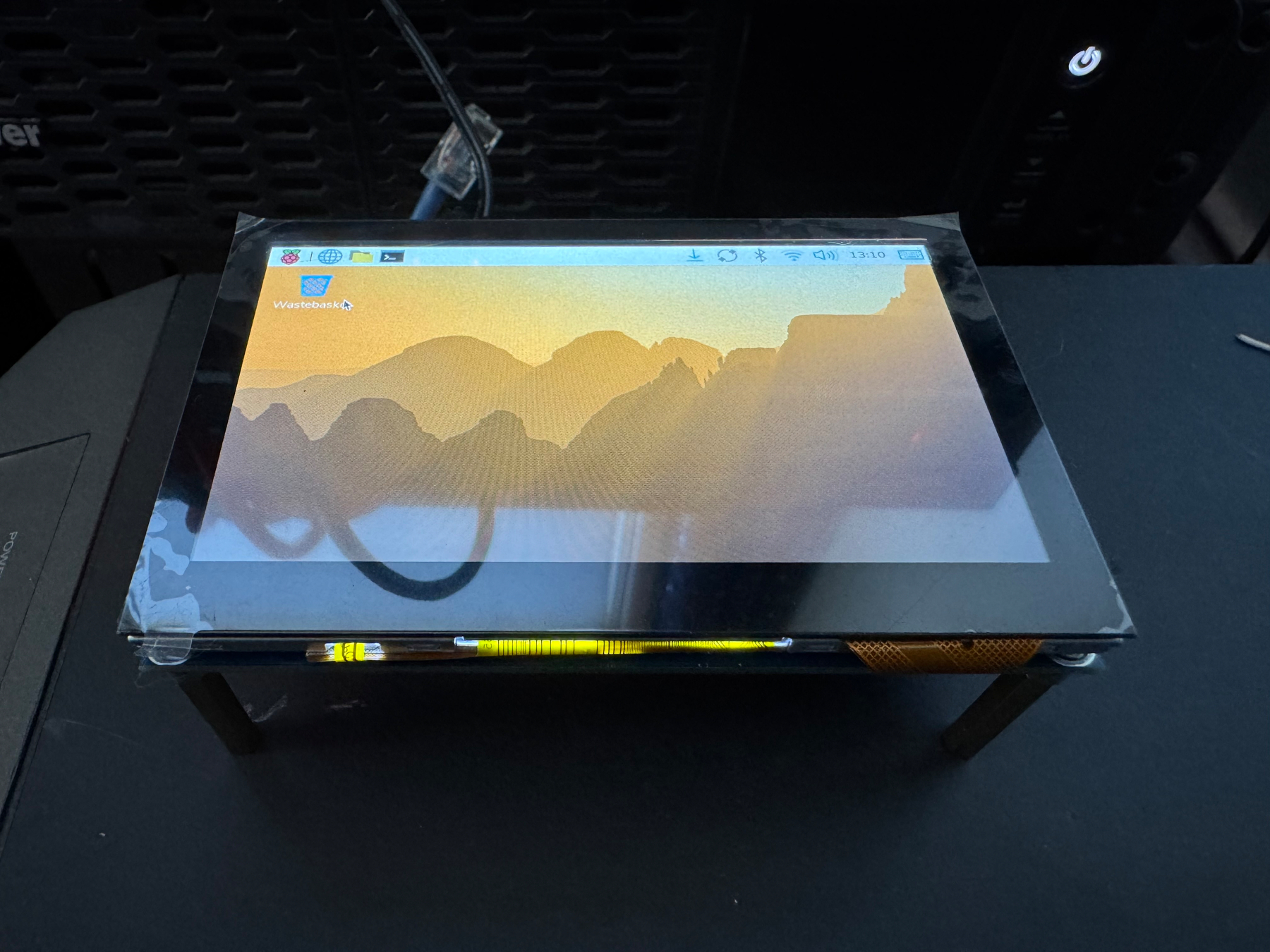
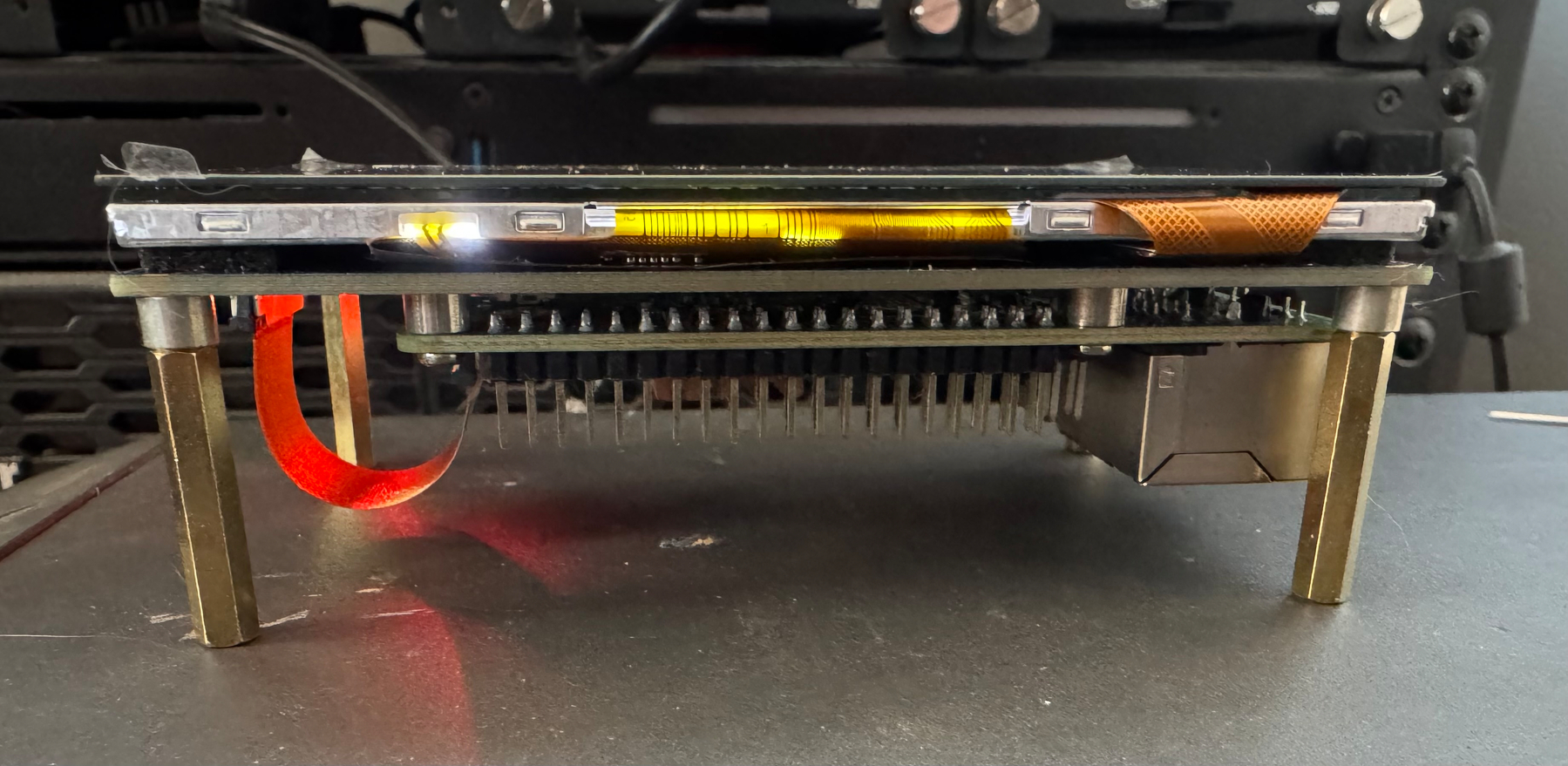
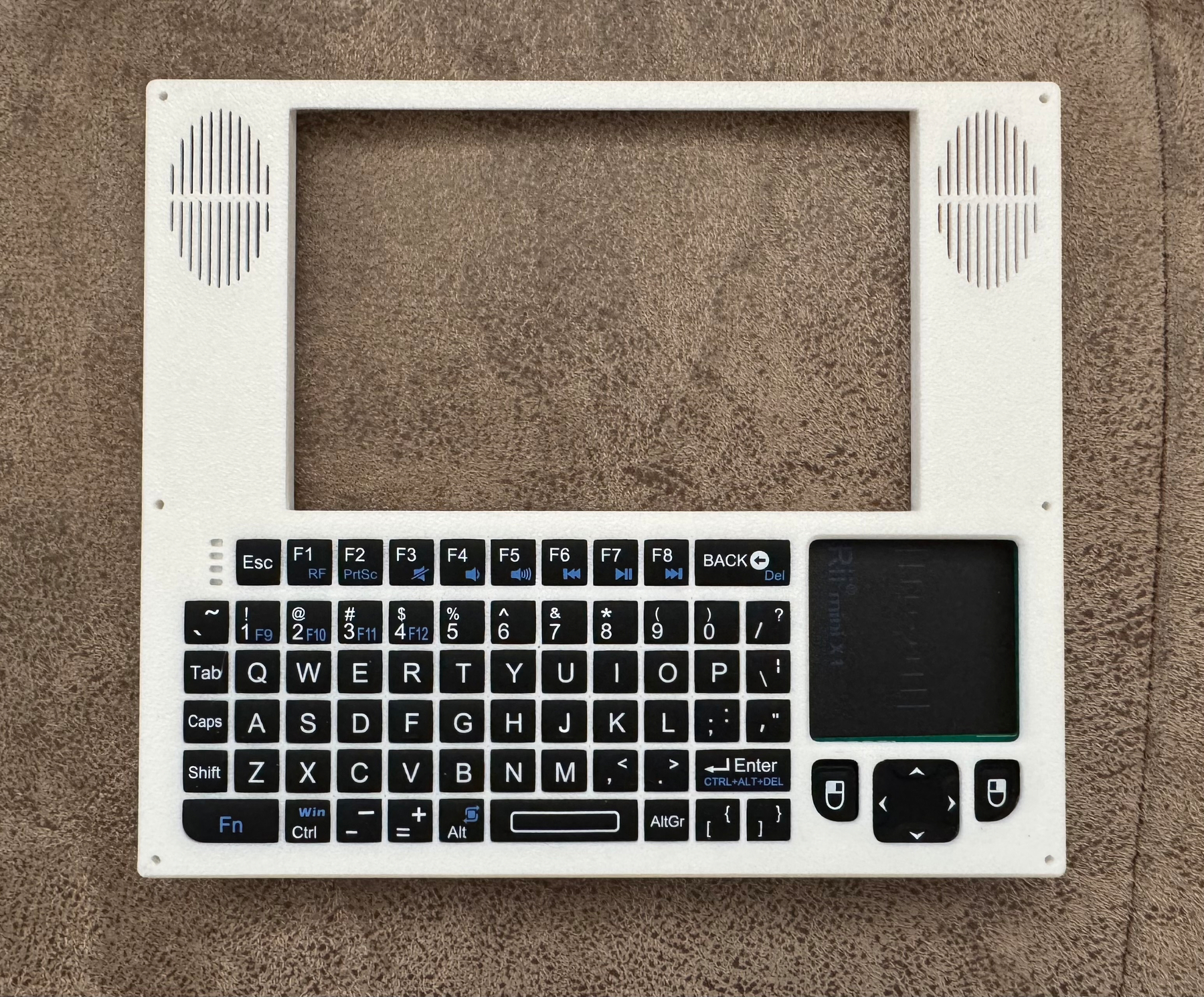
This weekend I’m putting together a little cyberdeck from a Raspberry Pi, a 4.3 inch screen, and a tiny keyboard and trackpad.
I’m going to start off playing with someone else’s design until I have a better idea of what I’d do differently on my own.
I’ve gotten tired of struggling against Entware on my Synology NAS (and darned if I’m using its Chinese mirrors), so today I’m using synology-nix-installer to switch to Nix. This has been a learning experience.
I would never accidentally change my Raspberry Pi’s account password before clicking “save” in my password manager, therefore locking myself out. But let’s say, hypothetically, that I did. How would I get back into my account?
The process would look like:
/etc/shadow file with the previous /etc/shadow- version, undoing the password change.Hypothetically, that magic bit could be a pain in the neck.
The relevant part of the Pi’s SD card is formatted with the ext4 filesystem. macOS doesn’t natively support ext4, and I’d need to install software so that I could access and edit the files on the card.
First, I’d install the open source ext4fuse program and navigate to the Pi’s /etc directory. Only then would I realize that ext4fuse is a read-only filesystem and doesn’t support writing at all.
If the open source option didn’t work, I’d try the paid extFS for Mac filesystem and use its trial offer to do the work.
After installation, I’d discover that something in the way that the Pi formats its SD card prevents extFS from mounting it.
I bet by then I’d give up on mounting the filesystem inside macOS, and accept that it’d be easier to do the work inside a Linux VM. I’d likely hold my nose and download Oracle’s VirtualBox. Bummer that it doesn’t work well on M1 Macs yet, which I’d learn would cause the Debian installer to reboot every couple of minutes.
After trying and ruling out everything else, I’d probably try the trial version of Parallels Desktop. I’d use it to install Debian, then go to the Devices > USB & Bluetooth > Apple SDXC Reader Media (disk6) menu to mount the Pi’s SD card inside the VM. Then I’d open the VM’s Terminal app and run:
cd /media/parallels/root/etc
sudo mv shadow shadow.bak
sudo cp shadow- shadow
Finally, I’d go into the VM’s Files app and unmount the “boot”, “root”, and “SETTINGS” disks.
After all that, I’d pop the card out, stick it back in the Raspberry Pi, boot it, log in via SSH, and run sudo -s. At the password prompt, I’d type my original password (as stored in my password manager), then exhale in relief as I was once again able to log in.
That is, if I were to lock myself out in the first place. Which I never would. Because I’m a professional.